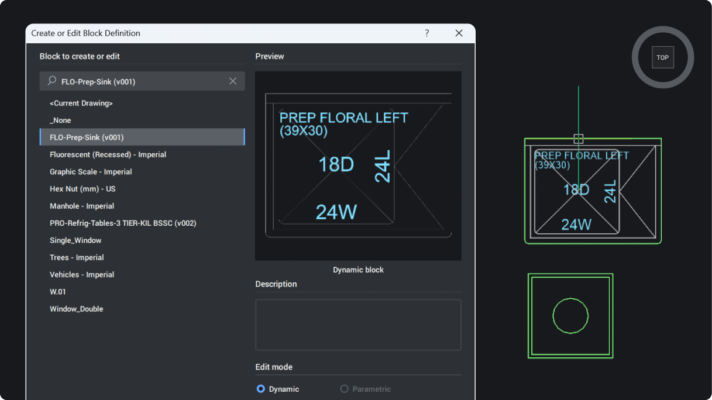
Dynamic blocks in Octave BricsCAD V26 are now fully editable. Here’s what’s supported and how [...]
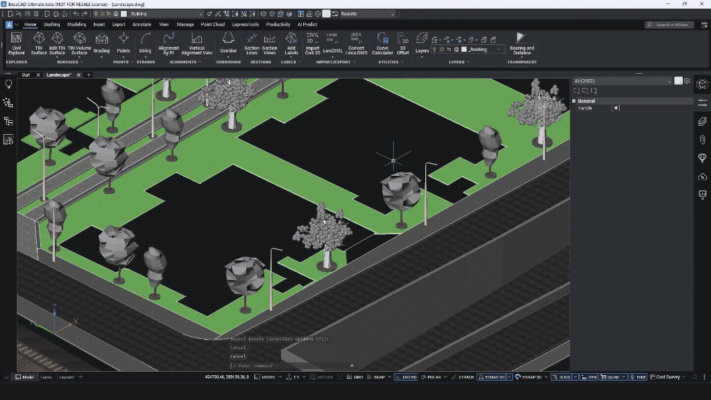
Octave BricsCAD V26 helps land surveyors reduce manual work by combining GIS data, automated point [...]
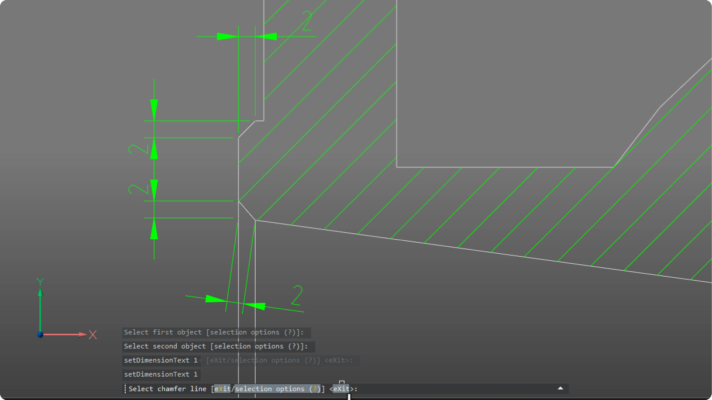
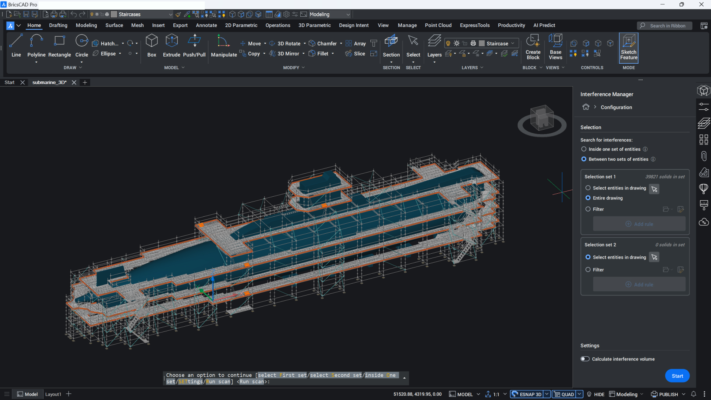
Octave BricsCAD V26 helps manufacturing teams turn mixed-source design data into reliable, production-ready documentation with [...]
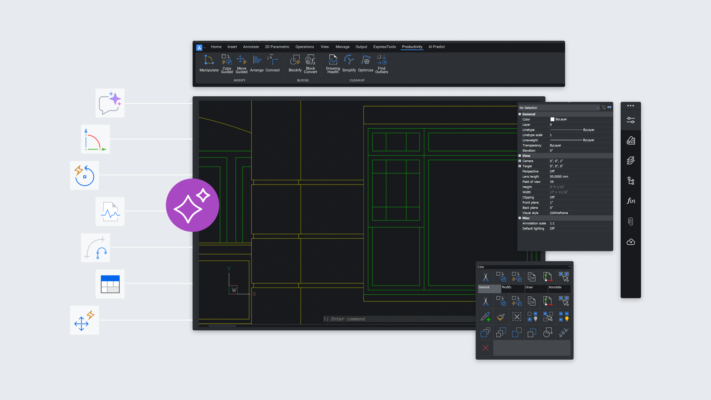
Explore how Octave BricsCAD integrates AI through 10 clear, straight-to-the-point capabilities, benefits, real use cases, [...]
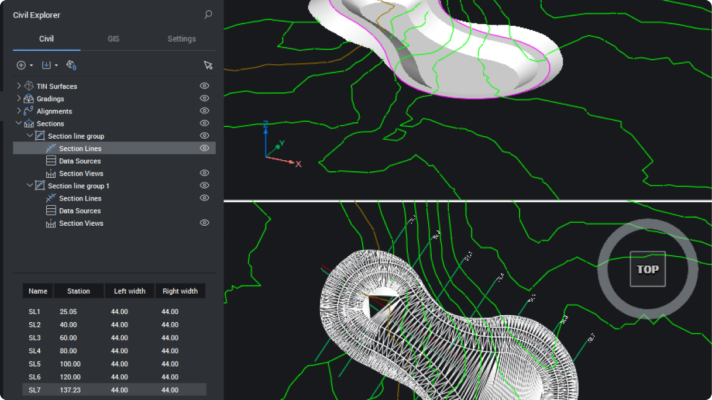
When you can clearly see the ground beneath your design, better decisions follow. BricsCAD V26 [...]
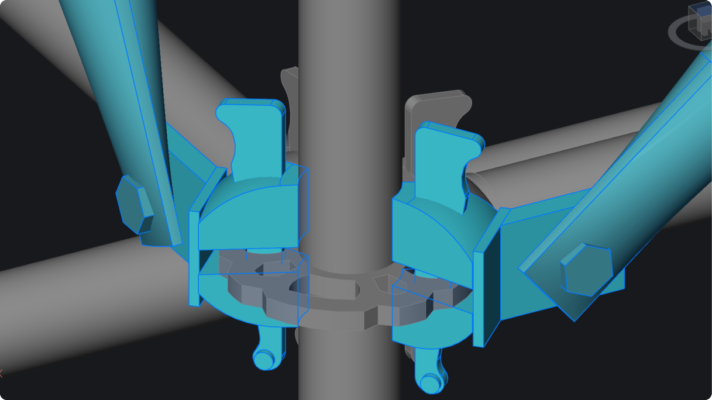
BricsCAD V26 delivers smarter blocks, faster editing, cleaner sections, and Dynamic Block support to make [...]
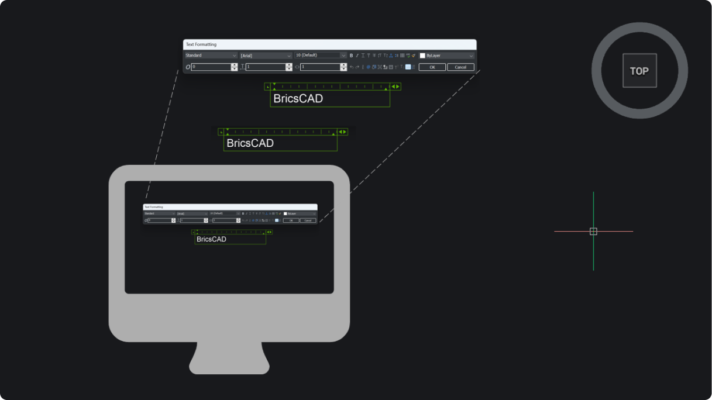
BricsCAD V26 builds on V25 with clearer UI, sharper modeling control, smarter Mechanical and BIM [...]
This guide to upgrading to BricsCAD® V26 walks you through upgrading your license, migrating your files, [...]
BricsCAD® V26 is here to make your day easier. With 60+ new, enhanced and experimental features, [...]
In a CAD software world that often seems to offer only a single choice, BricsCAD [...]


 Tiếng Việt